Shattera
Shattera — Your turn… is still my turn.
- A Tactical card battle on a living grid. Build a deck, control the board, and cut in during the enemy’s turn with perfect reactions.
CORE MECHANICS
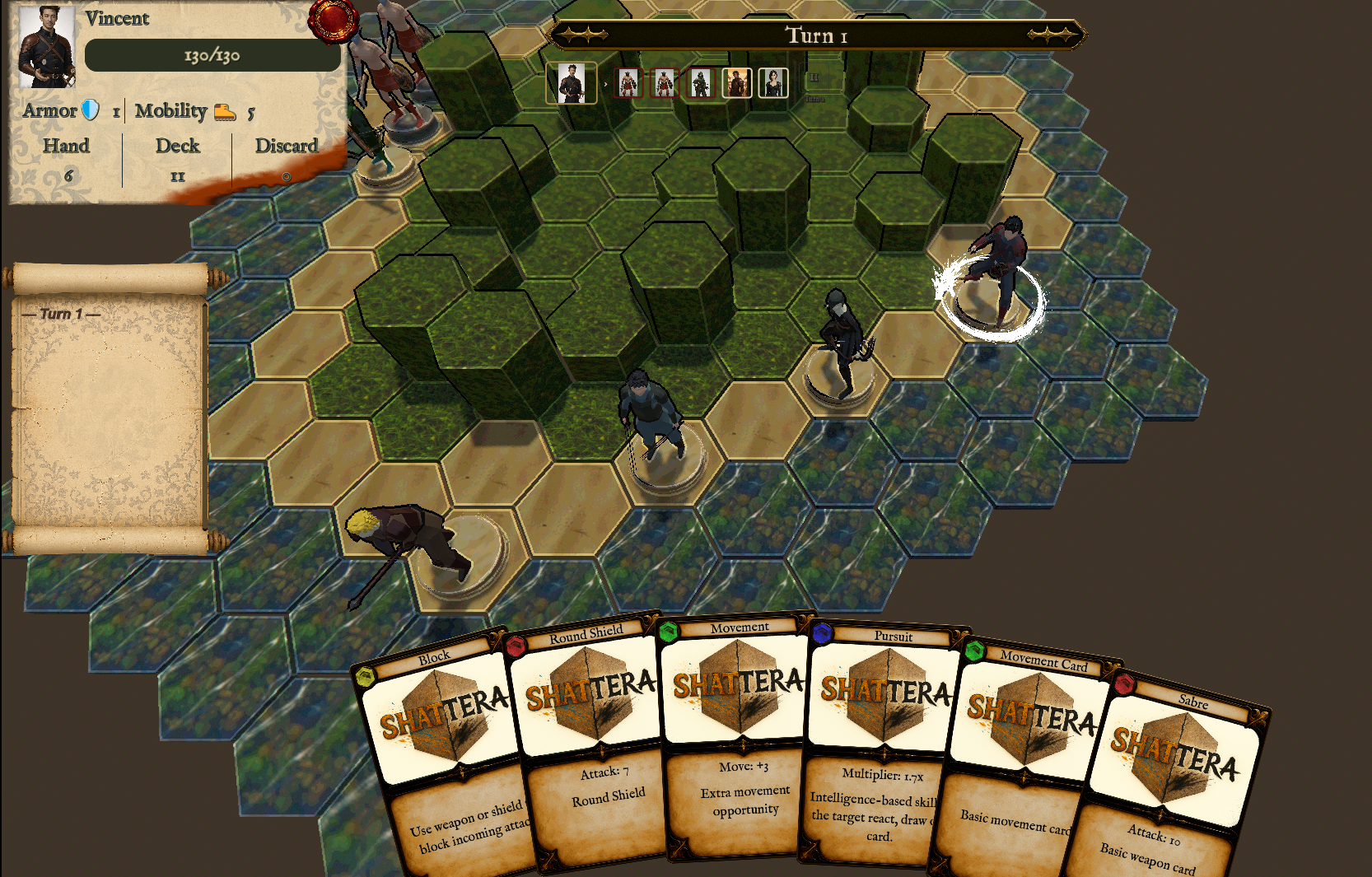
- Board Game Aesthetic
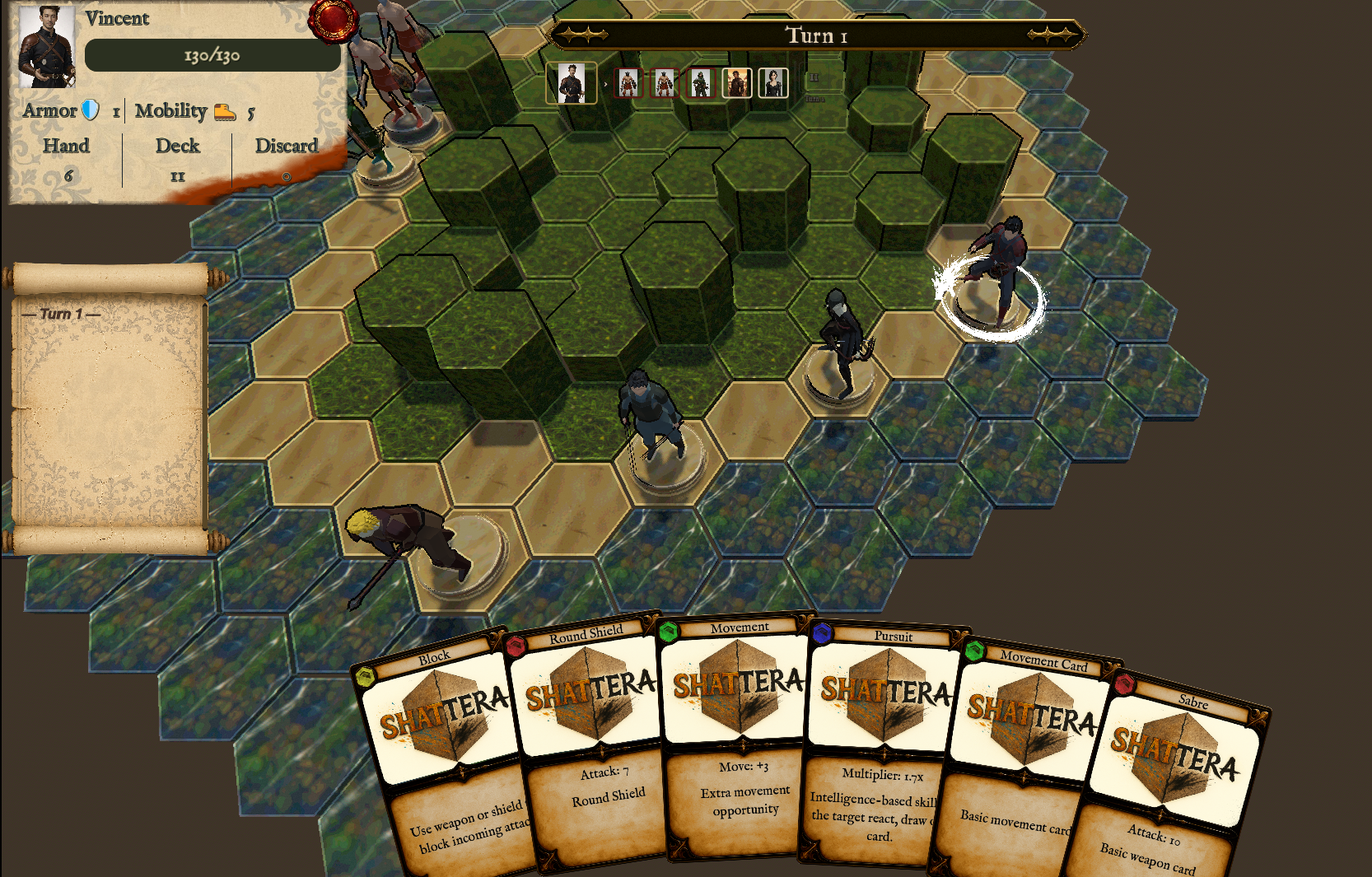
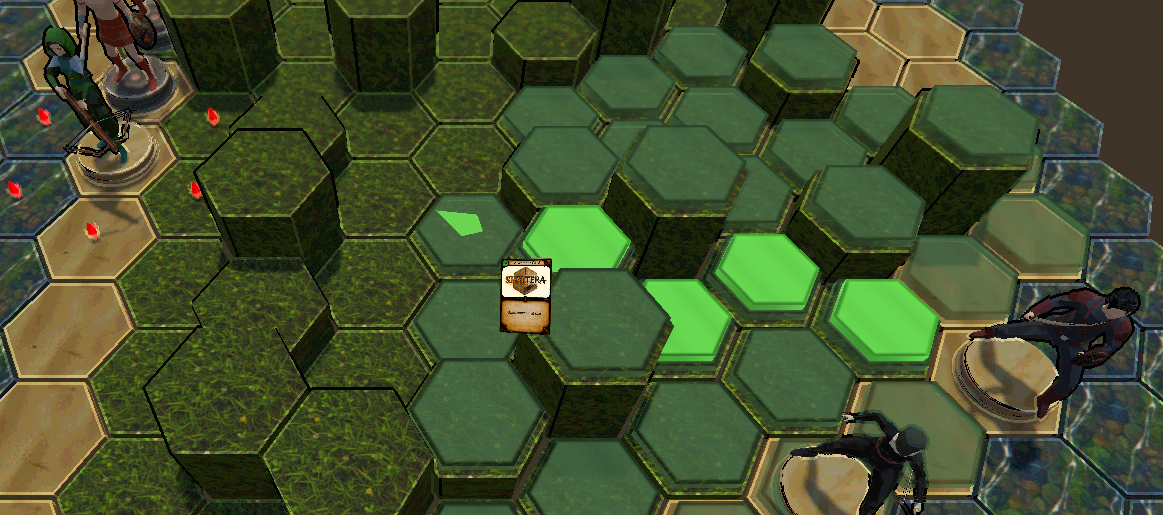
Experience tactics on a living board with chess-like pieces, real-time highlighting, and card-driven combat that feels like a tabletop game brought to digital life.
- Card-Driven Actions
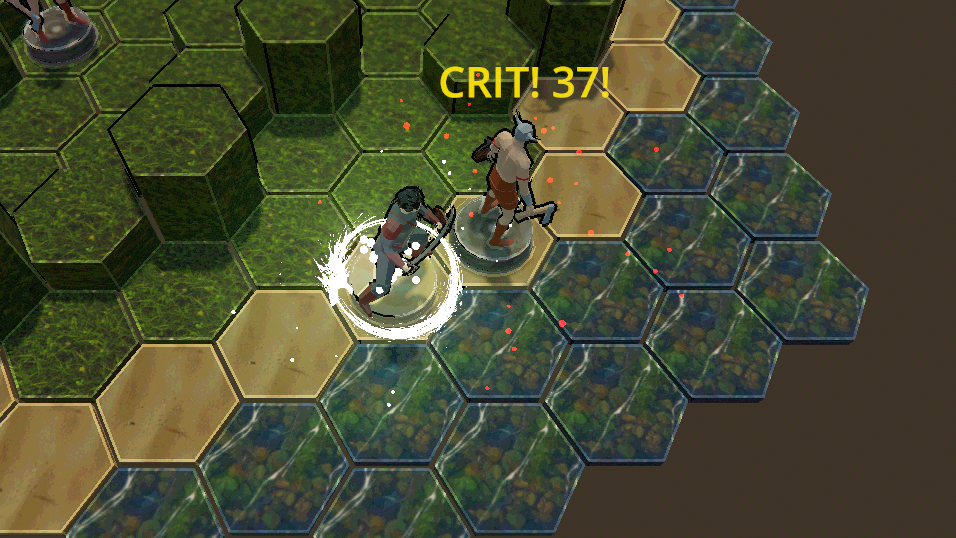
Every action is a card. Move, attack, block, and combo from your hand. Luck meets skill in fast, readable turns. - Living Battlefield
The board fights back. Elevation, angles, and flanks turn "bad hands" into brilliant strategic wins.
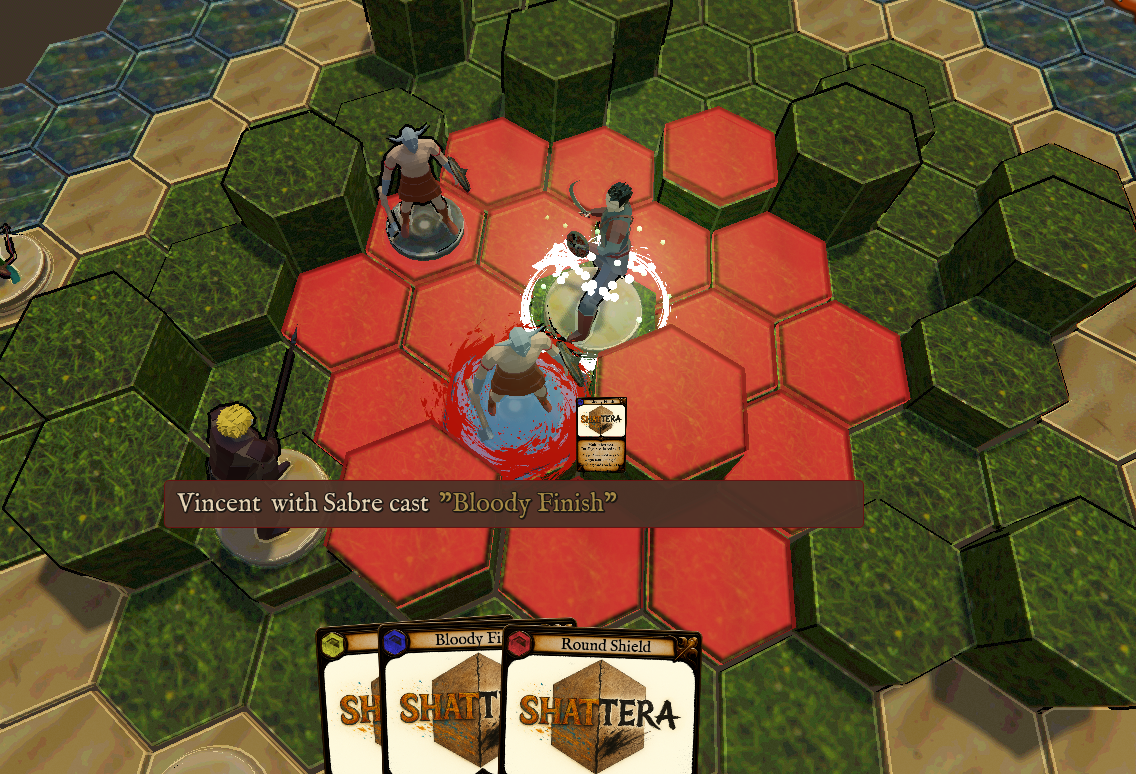
- Card Combos
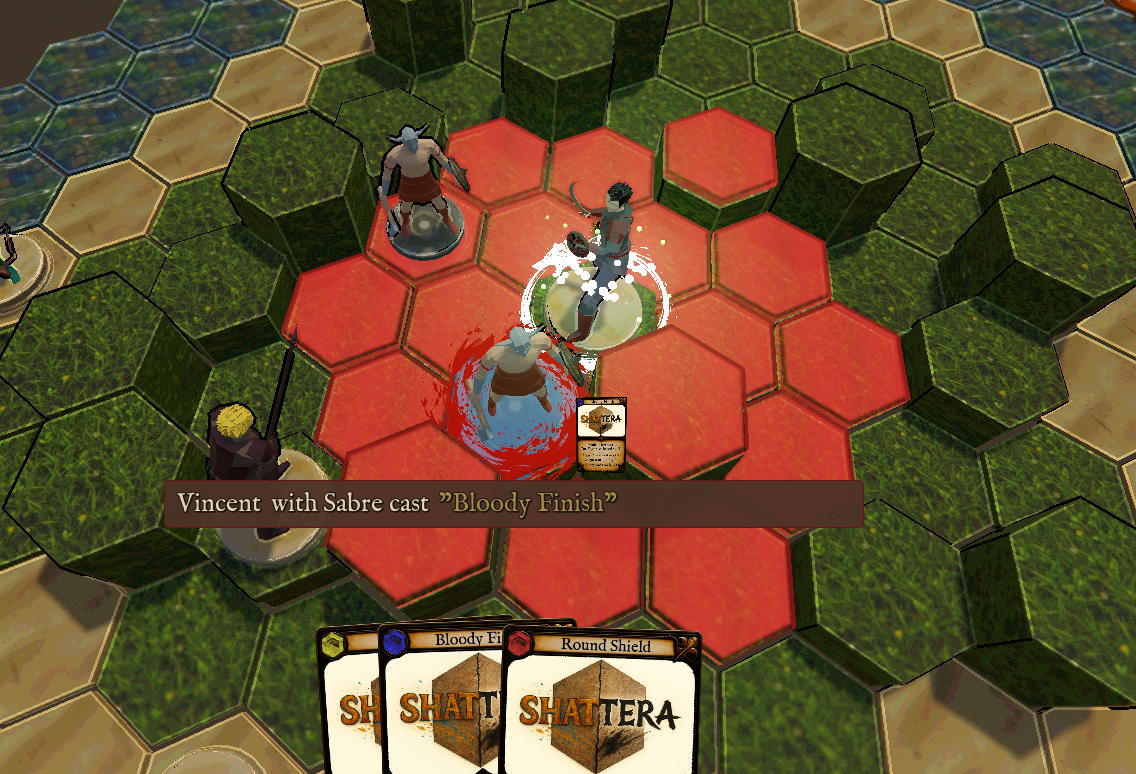
When cards work together, they're stronger! It's not about the strength of one card— it's about chaining lethal synergies together for explosive results.
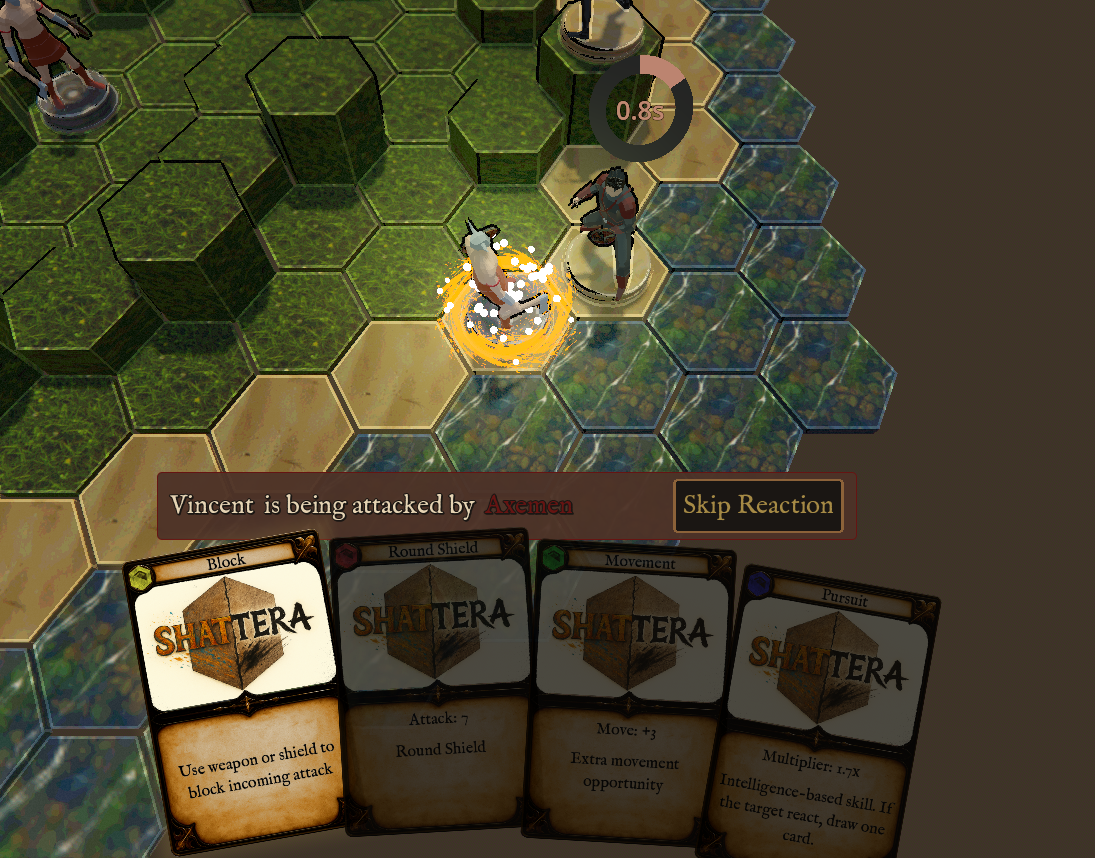
- Reaction System
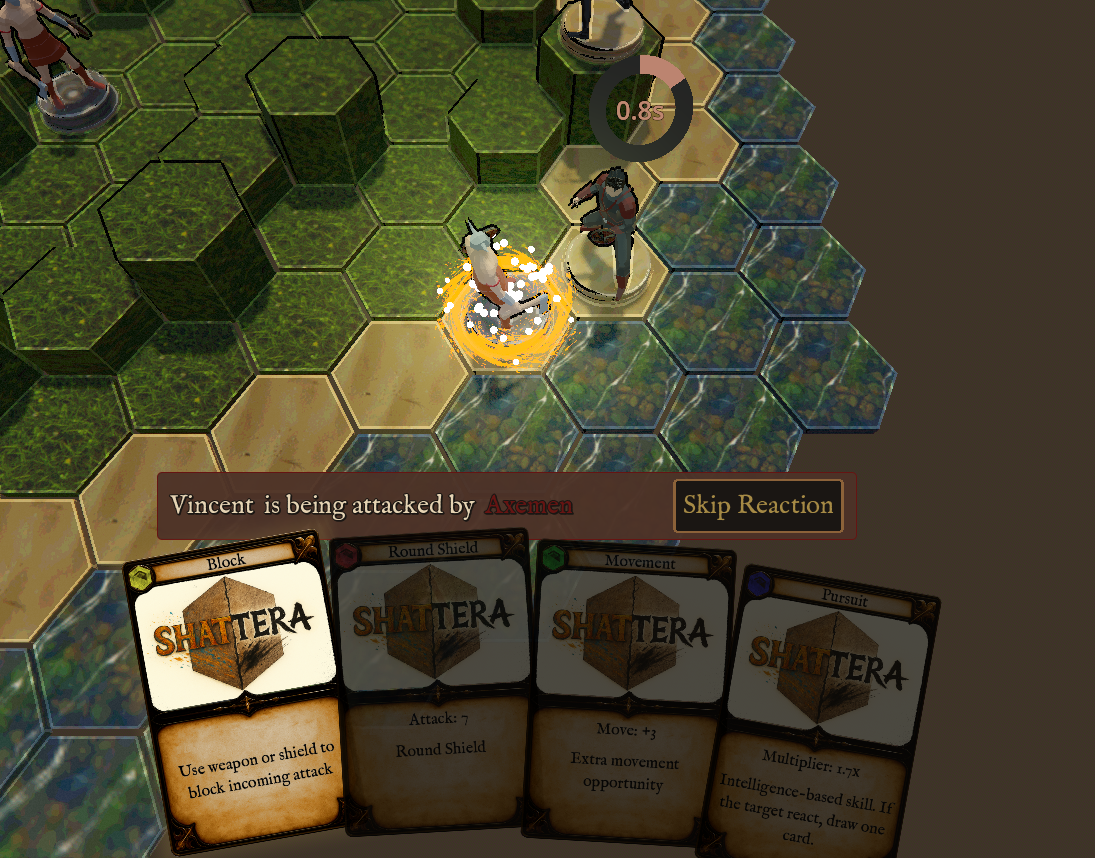
Your turn… is still my turn! Block, dodge, and counter during the enemy's turn for lethal interrupts that turn defeat into victory.
- Customization & Growth
Allocate Attributes, equip gear, and build your deck to create your perfect playstyle.
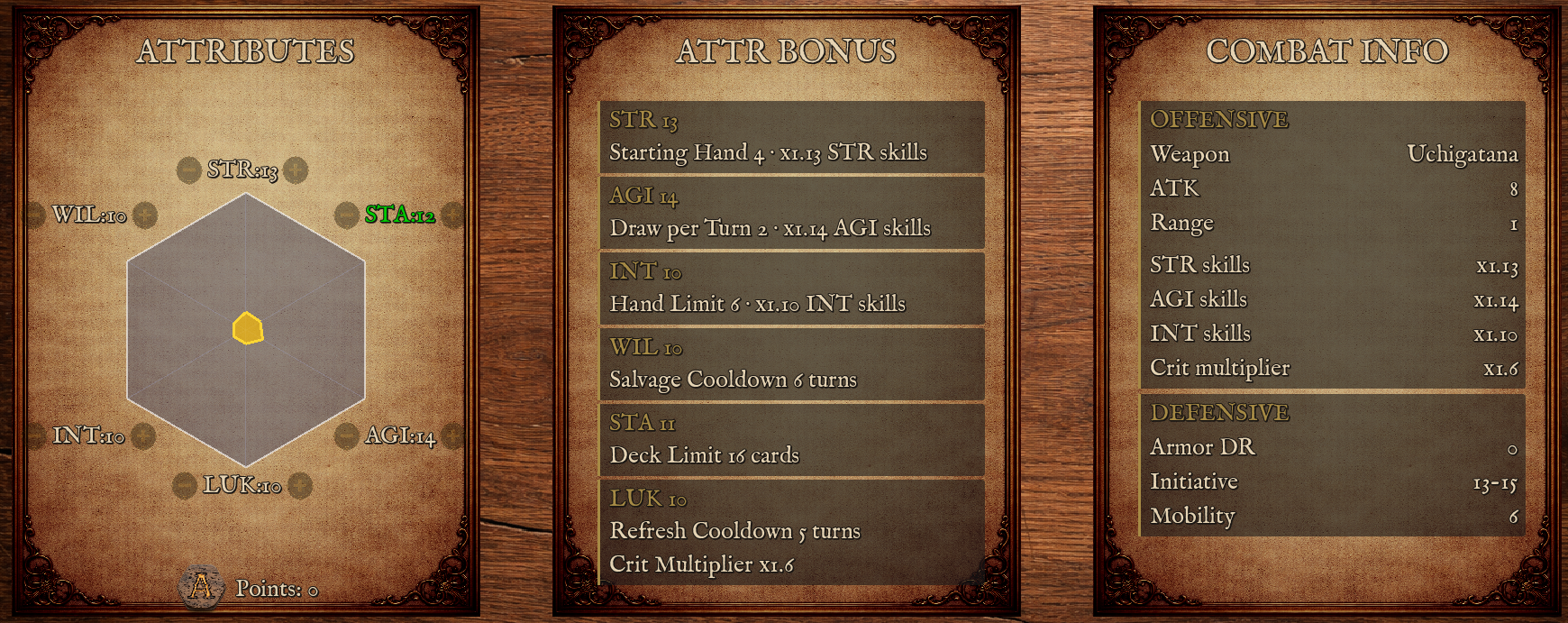
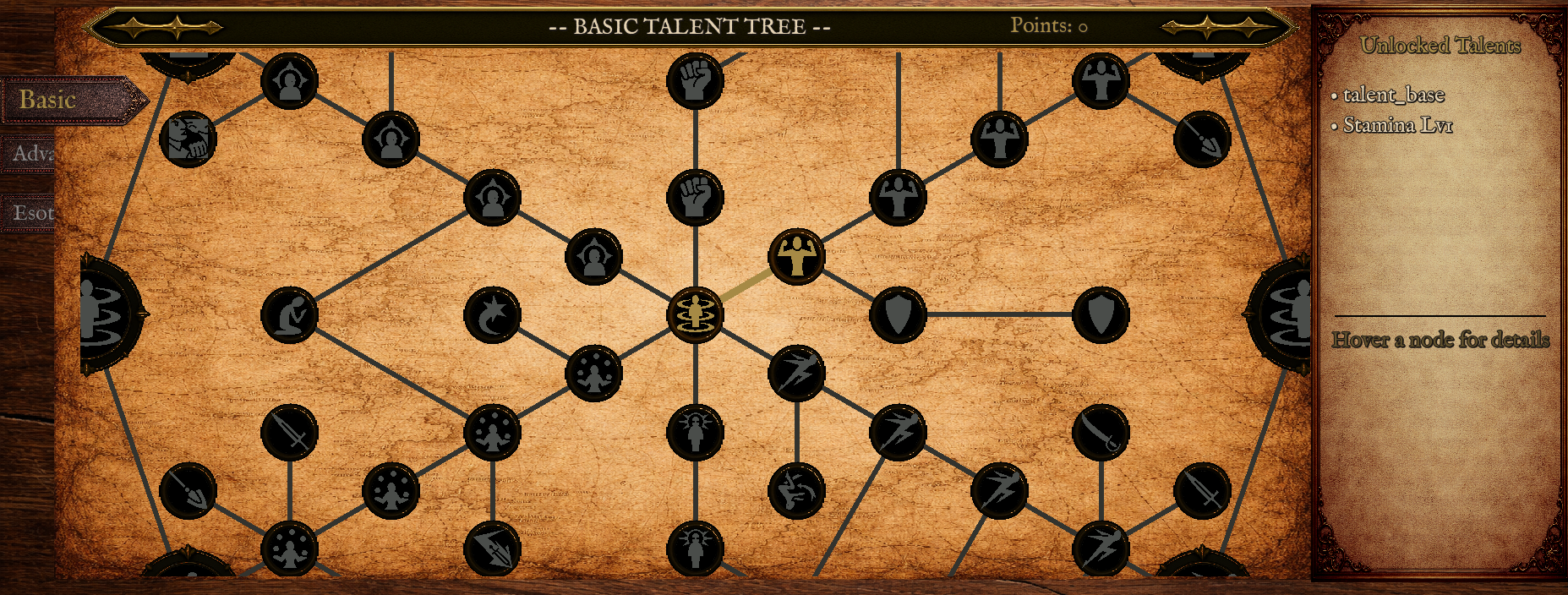
Prototype Notice
- This is an early prototype focused on core card-driven tactics. Expect bugs, placeholder art, and work-in-progress audio.
- Your feedback shapes the game. Tell us what works, what doesn't, and what you want next.
GET STARTED
- Try the prototype now (browser-based, no download needed)
- Read the latest devlog
- Join our Discord: https://discord.gg/8JdXGGV7
- Wishlist to follow development
Download
Install instructions
How to Get Started with Shattera
Thank you for downloading the Shattera prototype! Follow these simple steps to start playing.
1. Download & Extract
- Click the Download button on this page.
- Choose the Windows
.zipfile. - Once downloaded, extract the contents to a new folder on your computer.
2. Launch the Game
- Open the folder and find the executable file,
Shattera.exe. - Double-click the file to run the game.
Note: Windows may show a security warning because this is an unsigned file. This is normal. You can safely click "Run anyway" or "More info" to continue.
3. Basic Controls
Camera Control:
• W, A, S, D - Move camera
• Q, E - Rotate camera angle
• Mouse wheel - Zoom in/out
Game Operations:
• Left click - Select character/target
• Right click / ESC - Cancel action
• Menu button > Help - How to play
Provide Feedback
Your input is crucial! As this is an early prototype, please share your thoughts, bug reports, or suggestions.
Development log
- Devlog #6 - Tutorial: How I Hold Enemies Hostage10 days ago
- 開發日誌#6 脅持人質的新手教學10 days ago
- Devlog #5 - Why Tabletop Game Aesthetics38 days ago
- 開發日誌#5 桌遊美術方向的決定38 days ago
- 開發日誌 #04:3D模型、天賦樹與流血的心理博弈69 days ago
- Devlog #04: 3D Models, Talent Trees, and the tactical dilemma of Bleeding69 days ago
- Devlog #03: New Year, New Models, and the World of ShatteraJan 04, 2026
- Devlog#03: 3D模型,人物與故事Jan 04, 2026